
HubSpot UNBOUND 2026: What It Means for B2B Teams
In this post, we take a deep dive into all the news from HubSpot UNBOUND 2026, where we think the product is going, and what it means for your business.
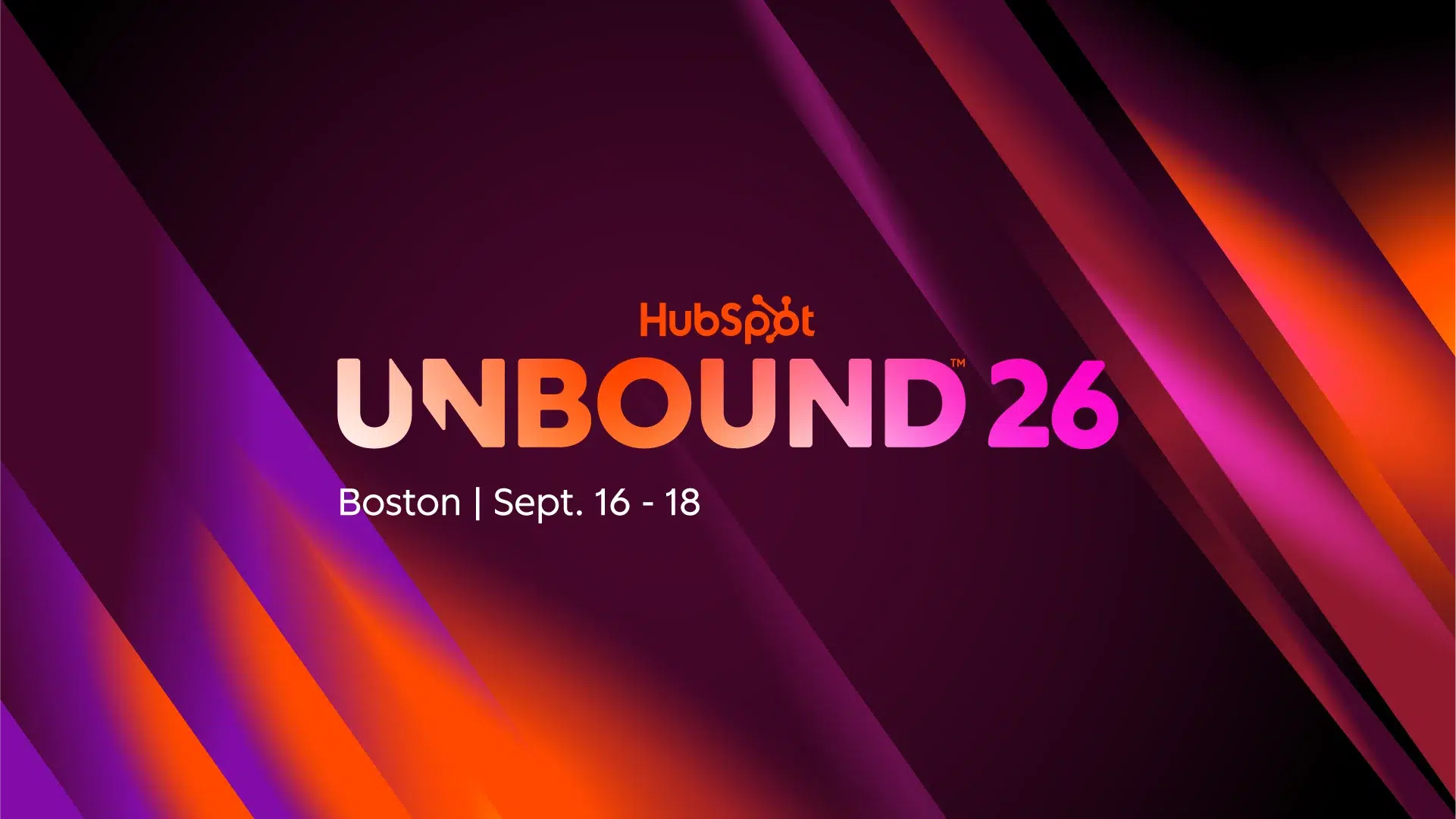
HubSpot’s Fall 2026 Spotlight landed on September 16 in Boston, at the first UNBOUND, the event that spent fifteen years as INBOUND. It was a big release. A rebuilt assistant, a CRM that updates itself, a new campaign workspace, new sales tools and a few surprises in advertising. HubSpot framed it around three jobs: build demand, win deals and delight customers.
Plenty of recaps list all of it. This one does too. Then it tells you what we make of it.
Our Take in 30 Seconds
Hubspot is moving from software your team operates to a platform that operates alongside your team: Agents draft, update, prioritize and follow up. People review and decide.
That shift only works on top of a CRM that’s current, structured and well defined. And that’s the part most teams haven’t done. For most B2B teams, the bottleneck isn’t the A,. It’s the CRM underneath it.
The rest of this post is the evidence, in three parts: what HubSpot announced, where we think the product is going, and what it means for your business.
What HubSpot Announced at UNBOUND 2026 (At a Glance)
The short version, before we go deeper on each piece:
- Growth Context. The layer of business, team and customer information HubSpot’s AI runs on.
- Smart CRM. A CRM that captures calls, emails and meetings automatically and keeps records current.
- Context Home. One place to see and edit that context, with a score for how complete it is.
- Breeze Assistant, rebuilt. An assistant that takes a request, assigns the right agents and delivers the result.
- Marketing Studio. A new workspace for planning and running campaigns, with new content and campaign agents.
- ChatGPT Ads and Microsoft Advertising. Two ad channels connected to the CRM.
- Sales tools. An updated Prospecting Agent, a new Mobile Notetaker and a revamped Deal Progression.
- Revenue Hub. Quotes that generate themselves from deal context.
- Customer Agent. Support across chat, email, voice and social, with handoff to a human.
Not all of it is new this week. Some of it has been rolling out since spring.
From INBOUND to UNBOUND: What the Rename Signals
HubSpot announced the rename in April and described it as the same community with a bigger scope. The philosophy behind the old name was simple: attract customers with valuable content and tailored experiences. It built the company. It also built the event.
A name change isn’t news. Where the announcement point is. INBOUND was about attracting people. Most of what HubSpot showed at UNBOUND is about what happens inside the platform after they arrive:
- capturing context
- coordinating agents
- updating records
- moving deals forward.
HubSpot now describes itself as an agentic customer platform.
Marketing still matters, and HubSpot still ships marketing tools. But the center of gravity in the product story has moved to context.
Growth Context: The Idea Behind Every Release
If you remember one term from UNBOUND, make it Growth Context. It’s HubSpot’s name for the combined understanding of your business, your team and your customers: positioning and product, roles and processes, personas, buying signals, conversation history. The pitch is simple: AI without that context produces generic output. With it, the output reflects how your company actually sells and serves.
This isn’t brand new though. HubSpot introduced Growth Context in April, at its Spring Spotlight, alongside Smart Deal Progression and a rebuilt Prospecting Agent. Agent Hub and Agent Builder followed in July. UNBOUND is where the pieces got assembled into one story. So when you read the recaps, keep in mind that a lot of what’s called “new” is a year of releases getting a common frame.
HubSpot backs the pitch with numbers: customers using AI with high-quality context create 3.6x more MQLs, win 3.2x more deals and close more than twice as many tickets. Read the footnote before you repeat that: the comparison is Professional and Enterprise customers using AI with high-quality context against Professional and Enterprise customers not using AI. It shows that AI plus context beats no AI. It doesn’t isolate what the context contributes. Directionally useful. Just don’t quote it as proof that context is the whole story.
A second data point: HubSpot surveyed roughly 6,000 customers and prospects and found that about nine in ten companies use AI, while only about 6% describe the results as transformative; that 6% is roughly four times more likely to hit revenue targets and three times more likely to hit efficiency targets. CEO Yamini Rangan presented this at the UNBOUND keynote and repeated it on her own LinkedIn. HubSpot’s explanation is context. Ours is a bit broader, and it’s the thesis of this post.
The Self-Updating Smart CRM and Context Home
HubSpot calls the new Smart CRM “touchless”: calls, emails and meetings are captured and synced automatically. Recaps of the keynote add that it creates contacts, updates deal stages and lays out next steps, with every AI change visible and editable by your team.
Context Home is the control room for all of it. It’s a single place to see what HubSpot’s AI knows about your business, customers and team, with a score for how complete that context is and a list of the gaps.
Two things to understand.
- First, automatic capture writes into your structure. If your properties overlap, your stages mean different things to different reps or your records are duplicated, touchless capture just fills a messy structure faster.
- Second, a completeness score tells you whether information is there. It doesn’t tell you whether it’s right.
We go deeper on both in our guide to HubSpot Context Home.
The Agent Layer: Breeze Assistant, Agent Builder and Agent Hub
The rebuilt Breeze Assistant is the front door. You describe what you want, it decides which agents to use, and it hands back proposals, reports or campaign plans grounded in your CRM. HubSpot’s own framing is that without Growth Context, Breeze would be just another chatbot.
Behind it are the agents, and the tools to run them. Agent Builder lets you describe a custom agent in plain language. Agent Hub launched in public beta in July for Professional and Enterprise customers; as of this writing, HubSpot’s own product page lists Agent Hub as included in Starter, Professional and Enterprise editions, though a Professional or Enterprise subscription is still required to use some of the pre-built agents inside it. Either way, it’s one dashboard for the status and performance of every agent in the portal.
More agents means more things that need owners. Someone decides what each agent does, reviews what it produces, watches what it costs and shuts it down when it stops earning its keep. HubSpot gives you the dashboard. It doesn’t give you the owner.
We cover that in our guide to HubSpot Agent Hub.
Marketing: Marketing Studio and the New Campaign Agents
Marketing Studio is the new home for campaign work. Open it and it starts from insight: your AEO visibility score, a segment that’s underperforming, leads that came in and never got followed up. From there, Breeze pulls in specialized agents, including new content and campaign agents, to plan the campaign, create the content and personalize nurture emails for each contact in the sequence.
HubSpot reports that early customers using Marketing Studio create 81% more campaigns. That’s a volume metric. More campaigns aren’t the same as better ones.
Our read: the work shifts from building the thing to reviewing the plan. That’s useful. It also means your segmentation, lifecycle stages and consent data now decide the quality of what gets planned. AI can personalize for each contact only as well as your contact data allows.
Advertising: ChatGPT Ads and Microsoft Advertising
HubSpot says it’s the first CRM to integrate with ChatGPT Ads. The flow: run ads where buyers research inside ChatGPT, send the traffic to a HubSpot landing page, capture the lead, enroll them in workflows and attribute them next to every other channel. Microsoft Advertising is also now inside HubSpot, so you can compare which ads drive pipeline across channels without leaving the platform.
The integration is straightforward. The value depends on the same thing as everything else: attribution only works if your lead source data, lifecycle stages and deal associations are consistent. Otherwise you get a new channel and the same old blind spots.
Sales and Revenue: Prospecting Agent, Deal Progression and Revenue Hub
On the sales side, the pitch is less admin, more selling. The updated Prospecting Agent monitors more than 40 buying signals, assembles a buying group and drafts personalized outreach. The new Mobile Notetaker captures calls and in-person conversations in real time. A revamped Deal Progression then takes that, plus email activity, surfaces CRM updates, drafts follow-ups and keeps deal plans current, with one-click approval. HubSpot says customers using its AI sales tools cut time to close nearly in half.
Revenue Hub, which HubSpot introduced in June, now generates quotes automatically from deal context. HubSpot’s example is a customer, Workleap, that went from quote to signature in under 15 minutes.
The important word in all of this is approval. Deal Progression proposes, a human clicks. That’s sensible, and it moves the human job from data entry to review. But review only works if the reviewer knows what “right” looks like: what a stage means, which fields are required, what fires downstream once you approve. That’s process design, not AI. We cover it in our guide to HubSpot Deal Progression.
Service: Customer Agent
For the “delight customers” side, HubSpot pairs Breeze Assistant with Customer Agent, which resolves questions across chat, email, voice and social using purchase and support history, and hands off to a human with the context attached.
For B2B firms without a high-volume support desk, it’s the least relevant part of this release. If you do run one, the same rule applies: it’s only as good as the knowledge base and customer records behind it.
Where We Think HubSpot Is Going
From Inbound to an Agentic Customer Platform
Read the announcements together and the direction is clear. HubSpot wants to be the system where customer context lives and where agents act on it. Less “a CRM with AI features.” More a platform where AI does a growing share of the routine work and people supervise. Every release this year, from Growth Context in April to Agent Hub in July to the Smart CRM in September, builds the same structure.
Context Is the Moat
Anyone can put a chat box on top of a model. What HubSpot has is the customer data already sitting inside its platform, and its bet is that whoever structures that data best wins. That’s also why the OpenAI partnership matters: our read is that HubSpot wants to be the context layer other AI tools plug into, not only the home of its own agents.
Data Quality Becomes the Bottleneck
This is the part we feel most strongly about. When AI drafts, updates and prioritizes, the quality of the output is capped by the quality of the inputs: how your properties are defined, whether your pipeline reflects reality, whether records are clean, whether workflows do what people think they do. Those are exactly the things most portals never get around to fixing.
In the audits we run, teams typically use around 20–30% of what HubSpot gives them. Agents don’t close that gap. They inherit it.
What It Means for Your Business
You don’t need to rebuild anything because of UNBOUND. You do need to know what state your portal is in before you switch on tools that act on it.
What Changes for Marketing, Sales and Service Teams
- Marketing: plan review replaces plan building. Segmentation, lifecycle stages and consent data decide how good the personalization is.
- Sales: admin shrinks, review grows. Stage definitions, required fields and deal ownership decide whether the suggestions are right.
- Service: handoffs matter more. Your knowledge base and customer records decide what an agent can resolve.
What to Check in Your HubSpot Before You Turn Agents On
- Open Context Home and read what it says about your business, ICP and team. If it’s wrong or empty, agents will work from that.
- Look at your pipeline stages. Could two reps explain each stage the same way? Is there a clear exit criterion?
- Check your records. Duplicates, ownerless contacts and deals, properties that overlap.
- List your workflows and who owns each one. Anything triggered by a stage or property change will fire on AI-made updates too.
- Decide who reviews and approves AI suggestions, and how much autonomy each agent gets. Set usage limits before you switch on anything metered.
If several of those come back “not sure,” you have a few ways forward. A HubSpot Audit tells you what’s actually in the portal and what to fix first. If the findings are big, a Reset executes the fixes. If the portal is structurally wrong for how you sell, Implementation from scratch is the honest answer. And once it’s in shape, Managed Services keeps it that way while the tools keep changing.
Where to Go Next
We’re publishing three deeper guides on the parts of this release we think matter most for B2B teams:
- HubSpot Context Home: Is Your CRM Ready for AI?
- HubSpot Deal Progression: Fix Your Pipeline First
- HubSpot Agent Hub: Who Manages Your AI Agents?
If you’d rather talk it through with someone who looks at HubSpot portals every day, book a free consultation and we’ll go through where yours stands.
FAQ

Manyflow
Alineamos, automatizamos, y aceleramos tus operaciones de Marketing, Ventas y Soporte a través de soluciones de C.R.M.
Leave a Reply